
Subline
Generate subtitles and transcribe meetings.
Privately on your Mac.
v0.4.10 · macOS 13+
Generate subtitles and transcribe meetings.
Privately on your Mac.
v0.4.10 · macOS 13+
Subline uses OpenAI's Whisper to transcribe speech with remarkable accuracy across 99 languages. Generate subtitles for videos, transcribe meeting recordings with speaker identification, or convert any audio to text. Runs natively on Apple Silicon with Metal GPU acceleration. No cloud, no API keys, no subscriptions.
macOS 13 or later. Apple Silicon and Intel.
Direct download (recommended)
Subline.dmg macOS 13+ · Apple Silicon & IntelOpen the DMG and drag Subline to your Applications folder. Includes the GUI app and subline CLI.
Homebrew — GUI app
$ brew install --cask fenelon/tap/subline
Installs the app and CLI. Updates with brew upgrade --cask.
Homebrew — CLI only
$ brew install fenelon/tap/subline
Command-line tool only. For batch processing, piping, and scripting.
Subline downloads the Whisper model (~500 MB) on first run. Speaker diarization models are downloaded separately when needed. Everything is cached locally.
Features
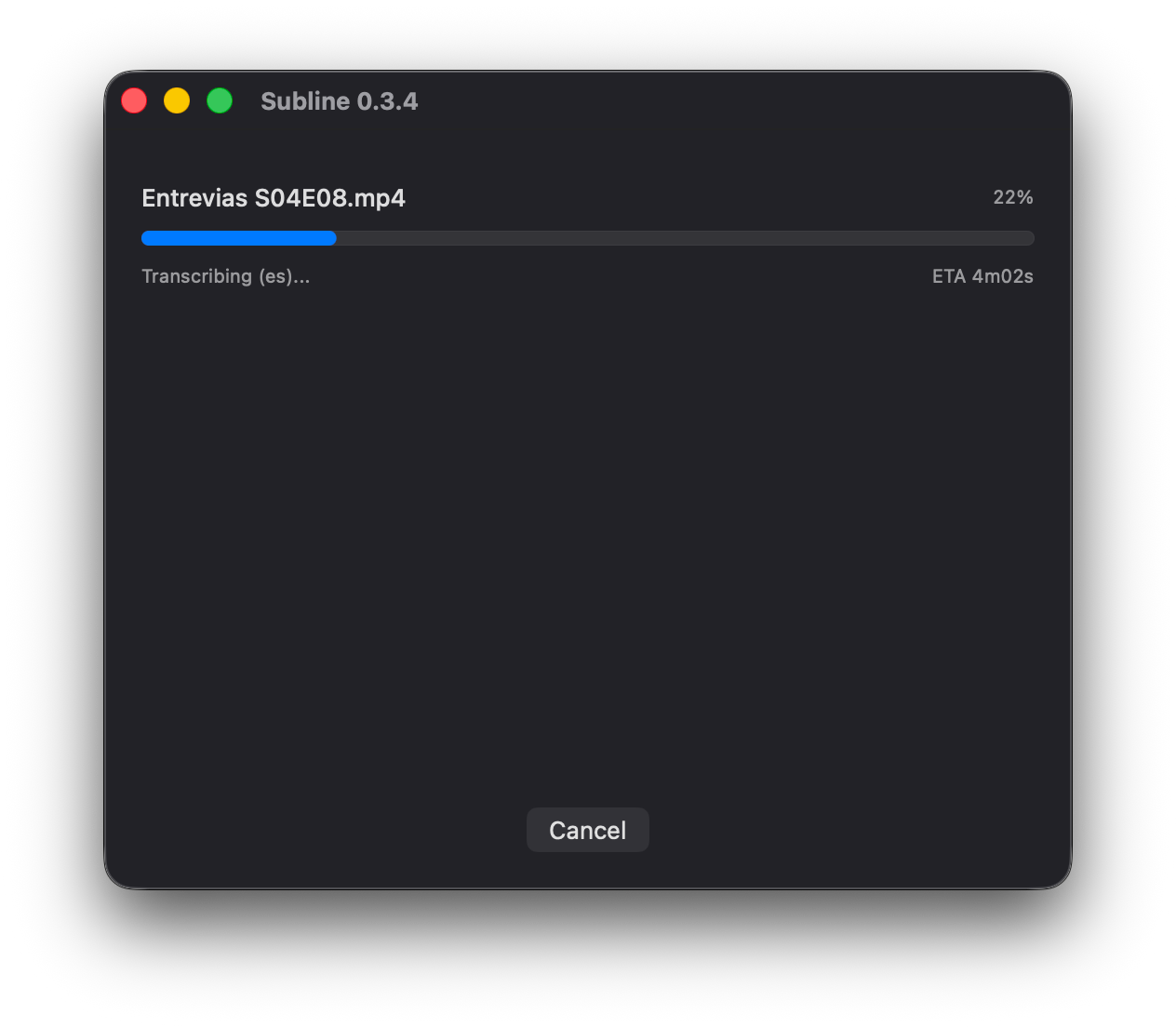
Auto-detects the spoken language or set it manually. From English to Urdu, Whisper handles it.
Leverages Metal on Apple Silicon for fast inference. A 1-hour video transcribes in minutes.
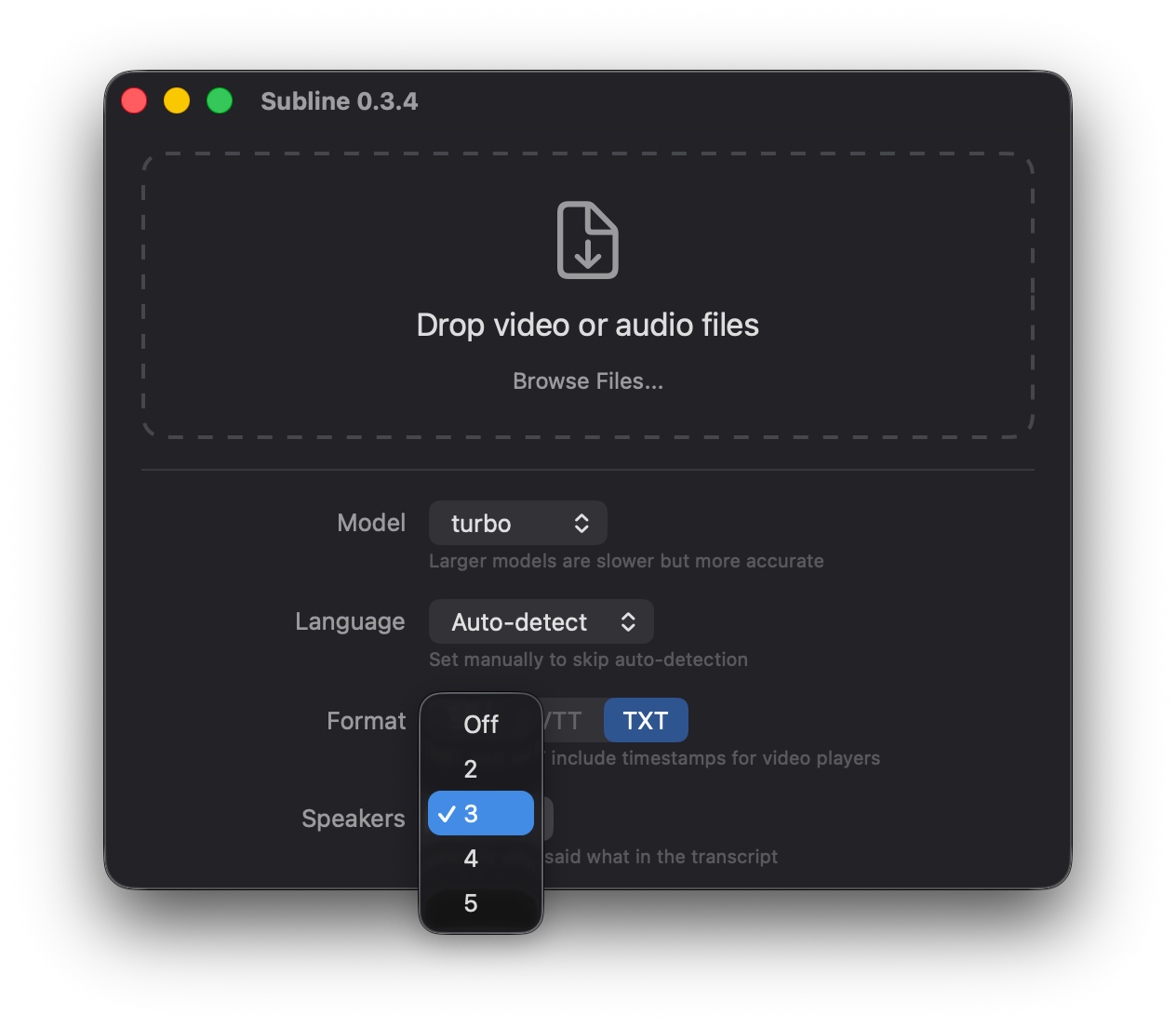
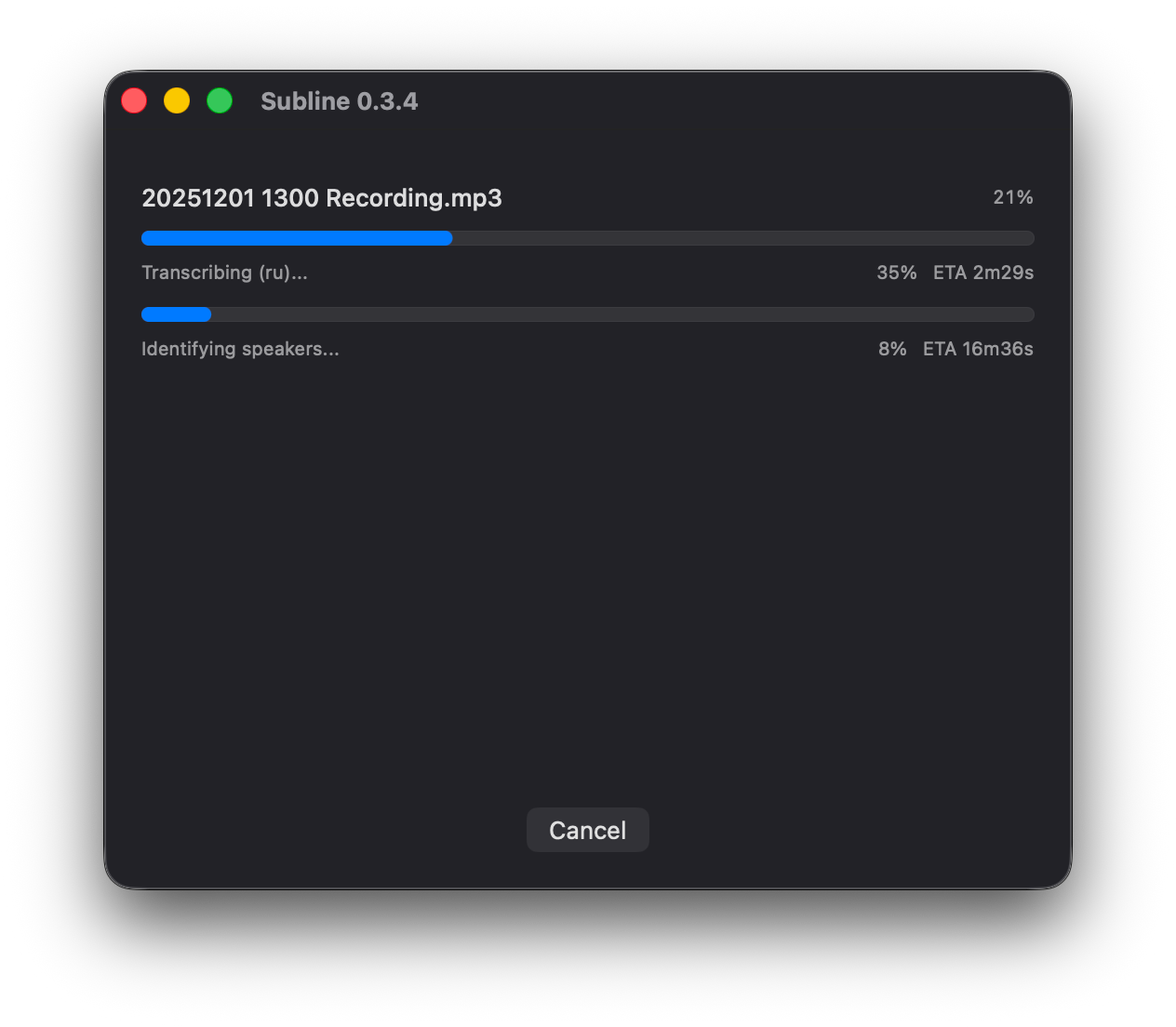
Identifies who said what. Supports 2 to 5 speakers with automatic voice separation.
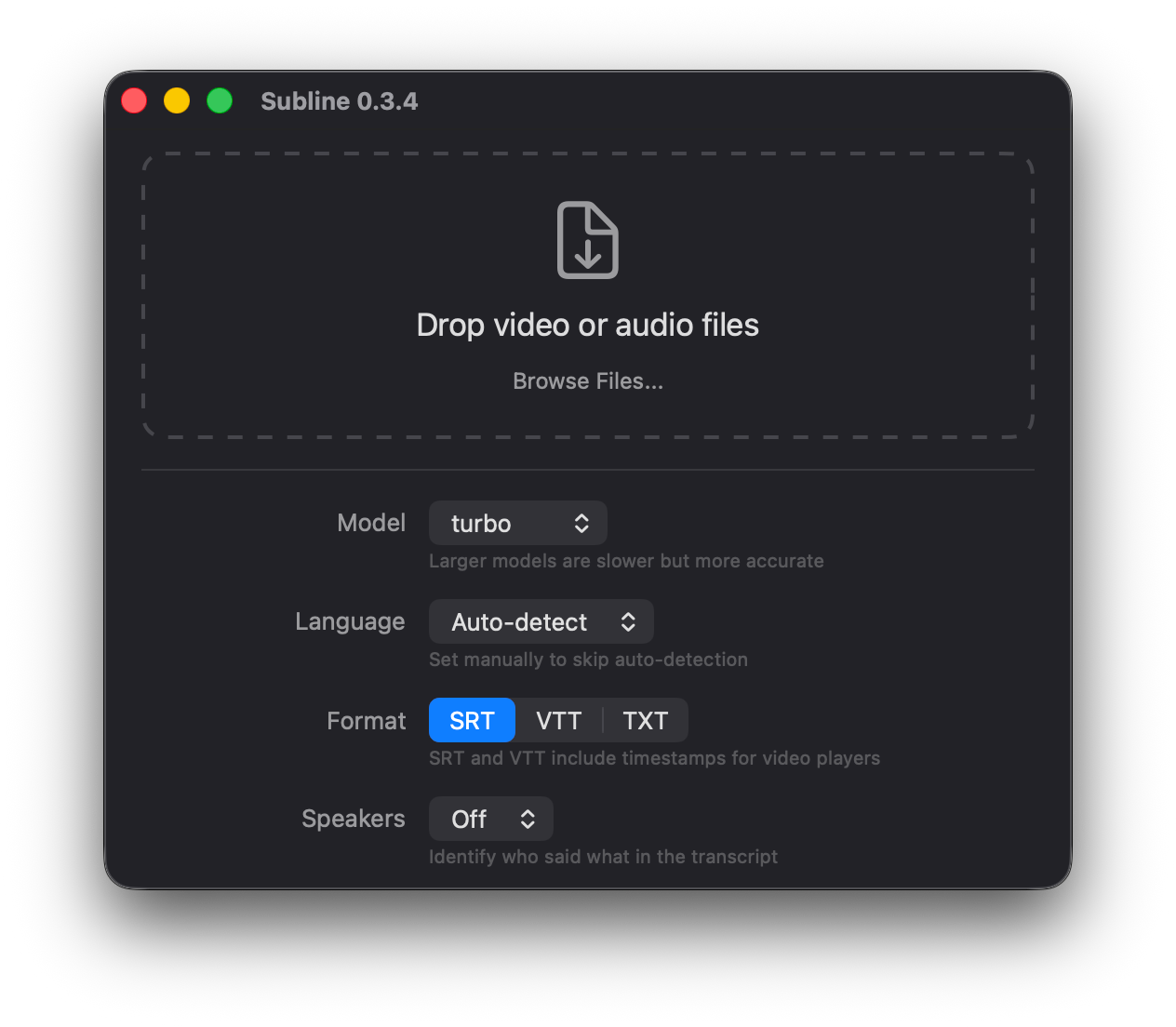
Drop video or audio files onto the window. Batch process entire folders at once.
Output in the format you need. SRT and VTT include timestamps for video players.
Everything runs on your machine. Your audio never leaves your computer.
App
CLI
$ subline [options] <path...>-m, --model | Whisper model: tiny, base, small, medium, turbo, large turbo |
-l, --language | Language code — auto-detects if omitted |
-f, --format | Output format: srt, vtt, or txt srt |
-S, --speakers | Number of speakers — enables diarization, implies txt |
-p, --prompt | Initial prompt for Whisper (vocabulary, punctuation context) |
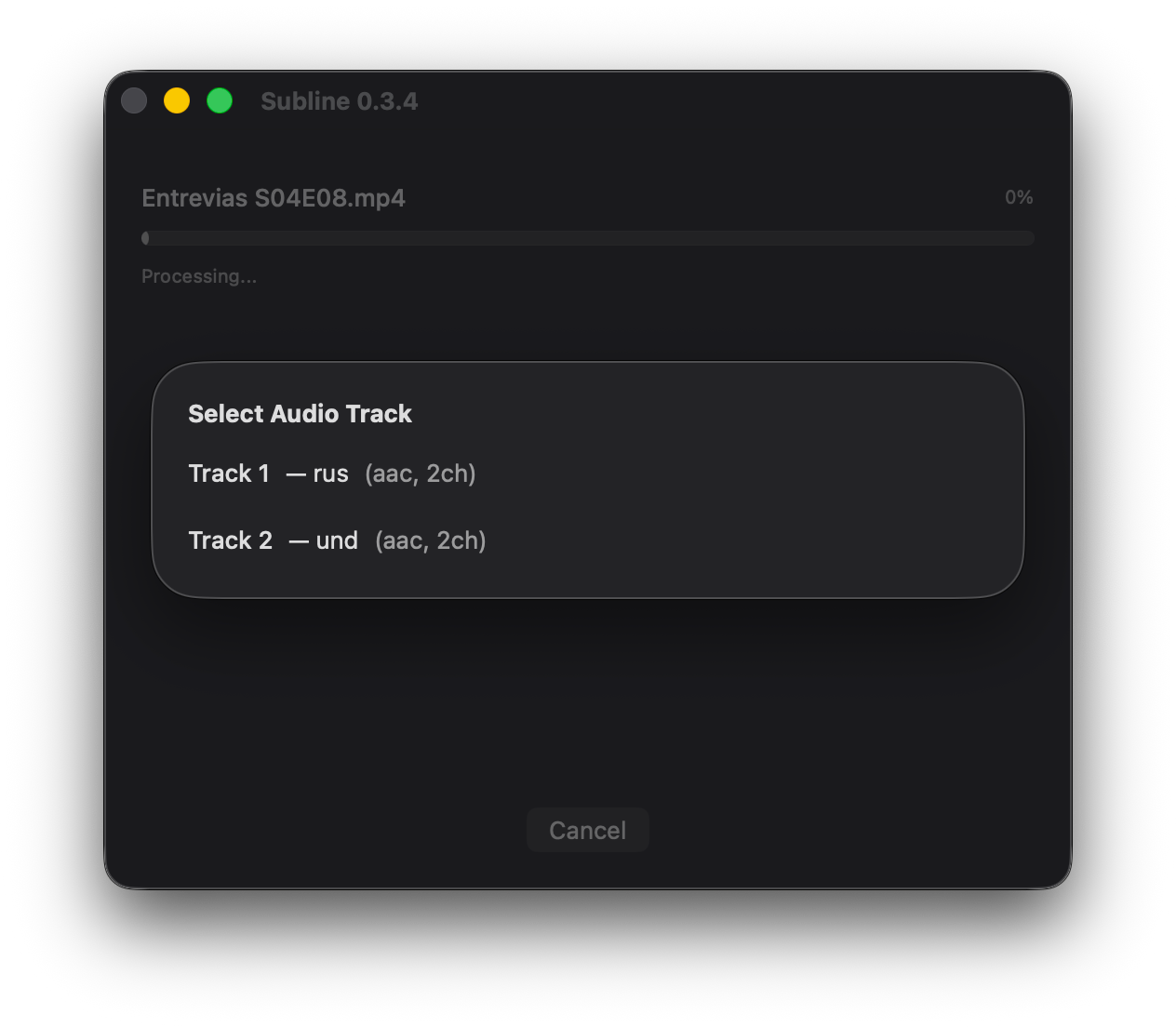
-a, --audio-track | Audio stream index auto |
-o, --output-dir | Directory to write output files next to source |
-s, --skip-existing | Skip files that already have a subtitle file |
-v, --verbose | Show detailed model loading and engine output |
Examples
# Transcribe a video — generates video.srt
$ subline video.mp4

# Meeting transcript with 3 speakers
$ subline --speakers 3 meeting.mp3

# Batch process a folder in Spanish
$ subline --language es ~/Videos/